Your own styles and reusable settings
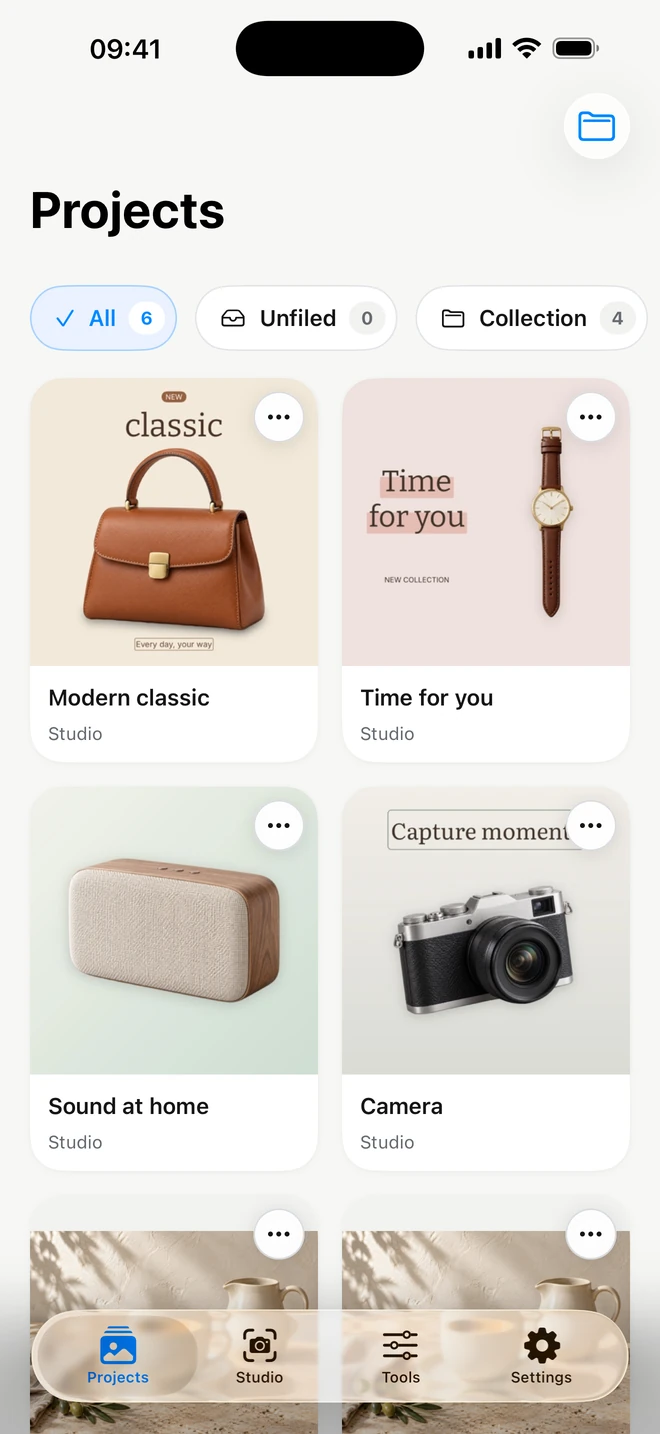
ProWhen a successful setup will be useful again, save it with Pro and apply it to new photos.
What you can adjust
- A named setup you create
- Apply again
- Update your settings
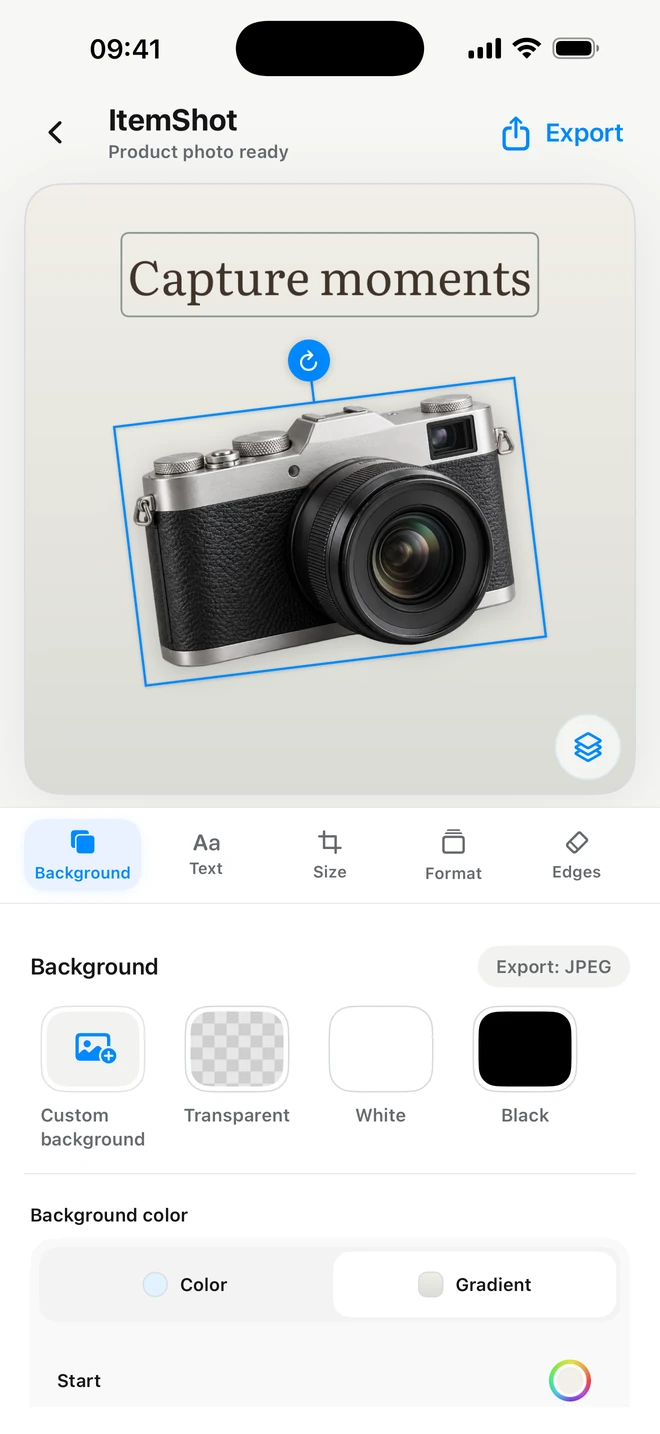
A Studio style keeps background, placement, crop, format and shadow; text layers are not included. Tools settings keep size, format, compression, padding and an optional aspect rule. An exact hand-drawn crop rectangle is not transferred to another photo; the aspect rule creates a centered crop. Find Tools saved settings inside the editor and the batch parameters.
For exampleSave a shop setup: white background and spacing in Studio, or JPEG dimensions and target size in Tools.
JPEG or transparent PNG from Studio
Save the finished composition for a listing or export a transparent object for later use. There is no ItemShot watermark.
What you can adjust
- JPEG and PNG
- Transparent background
- Standard or full resolution
JPEG suits a photo with a background; PNG also supports transparency. Free includes 10 Standard exports per calendar month, up to 2048 pixels on the longest side. Pro adds full-resolution output and removes the Standard export quota. Save the result to Photos, copy it to the clipboard or send it to Files and other apps through the system share sheet.
For exampleExport a shop photo and keep a separate PNG for a future layout.
 ItemShot