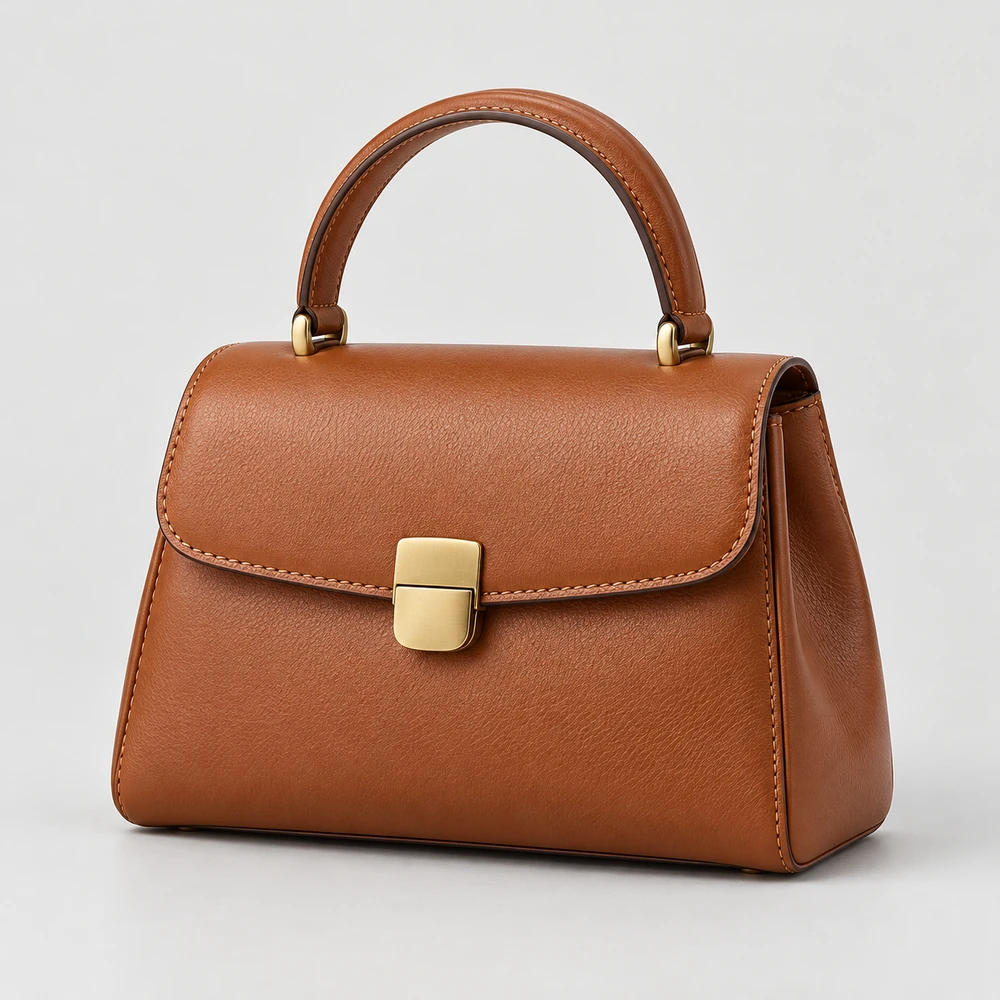
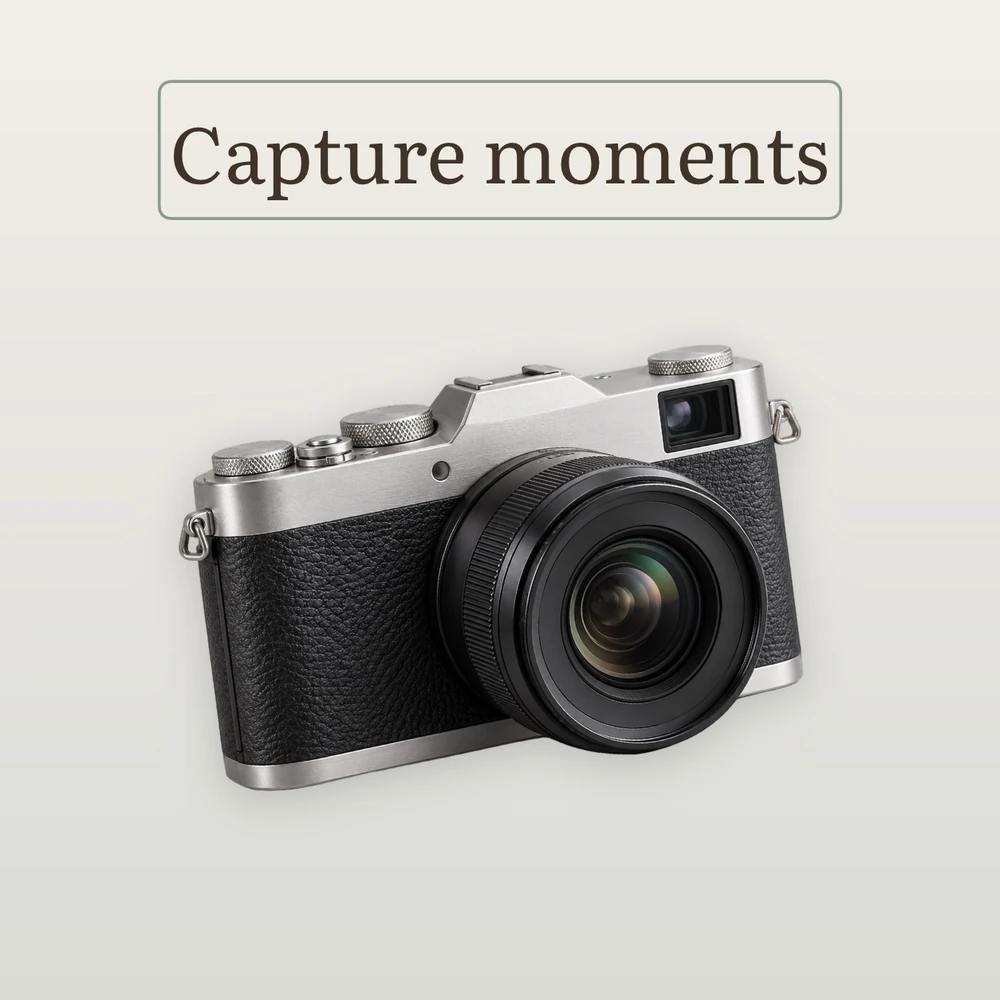
Choose a product photo and separate the subject from its original surroundings. Use the result as the starting point for a new composition. The same item can look precise on white or expressive in its own scene. Choose the setting that suits the product.
Choose a product photo and separate the subject from its original surroundings. Use the result as the starting point for a new composition.
What you can adjust
Standard quality
Pro High Quality
Preview the result
Studio offers Standard mode and Pro High Quality. Processing stays on your device. After the automatic result, choose a background, inspect the edges and refine them manually if needed. Glass, fine hairs and similar colors can need extra attention.
For example
Photograph an item at home, remove the room around it and prepare a clean image for a listing.
White, color, gradient or your own photo
The same item can look precise on white or expressive in its own scene. Choose the setting that suits the product.
What you can adjust
Transparency and basic colors
Pro custom color and gradient
Pro photo backgrounds
Start with transparency and basic colors. Pro unlocks a custom color, a two-color gradient with direction, and photo backgrounds. Move, scale and rotate a photo background independently while the product stays where you placed it.
For example
Use white for the main listing image and a gentle color or photo background for a collection image.
Three shadow styles, with controls
Pro
A shadow connects a cutout to its new background. Pro includes Soft, Directional and Under product shadows.
What you can adjust
Soft / Directional / Under product
Intensity and softness
Distance and direction
Adjust intensity, softness and distance. Directional shadows also have an angle control. Under product creates a diffuse base; the other styles give a different sense of lighting. Match the strength to the object and background.
For example
A bag can use a restrained shadow beneath its base; a directional shadow creates a more expressive composition.
If automatic selection misses a detail or leaves some background, use Pro’s Edges controls to correct the result.
What you can adjust
Erase and restore
Smoothing and feathering
Edge expansion
Erase unwanted areas or restore parts of the product. Smoothing, feathering and edge expansion offer further control. Zoom in and work on the particular area: a soft edge and a precise outline suit different subjects.
For example
Erase a leftover patch between bag handles or restore an accidentally removed edge.
Control the product, background and text separately
Choose a layer through Elements, or select the product or text on the canvas. The outline shows what you are editing.
What you can adjust
Move on the canvas
Scale
Rotate each element
Move the selected element directly on the image. Scale and rotate with gestures, or use the rotation handle. Product, photo background and text keep independent positions. Choose the background explicitly through Elements when needed. A misplaced transformation can be undone.
For example
Move the product aside, rotate it slightly and leave room for a headline.
JPEG or transparent PNG from Studio
Save the finished composition for a listing or export a transparent object for later use. There is no ItemShot watermark.
What you can adjust
JPEG and PNG
Transparent background
Standard or full resolution
JPEG suits a photo with a background; PNG also supports transparency. Free includes 10 Standard exports per calendar month, up to 2048 pixels on the longest side. Pro adds full-resolution output and removes the Standard export quota. Save the result to Photos, copy it to the clipboard or send it to Files and other apps through the system share sheet.
For example
Export a shop photo and keep a separate PNG for a future layout.
Good questions. Clear answers.
Can I export a transparent background?+
Yes. Studio exports transparent PNG. Free Standard exports are limited to 10 per calendar month and 2048 pixels on the longest side; Pro adds full-resolution output.
Does background removal upload my photo?+
No. Photo processing takes place on your iPhone, not on ItemShot servers.
Which parts are free?+
Studio includes 10 Standard exports per calendar month at up to 2048 pixels. Single-photo Tools editing, saving and export have no monthly quota. Pro adds full-resolution Studio output, advanced editing, batches and saved settings.
Which formats can I export?+
Studio exports JPEG and PNG, including transparent PNG. Tools converts between JPEG, PNG, HEIC and WebP. Outputs are re-encoded in SDR.
 ItemShot