
ItemShot: Product Photos

Product photos, ready to list.

ItemShot is an iPhone product photo app for sellers who want clean, consistent listing images from real photos—without sending those photos to ItemShot servers.

Made for iPhone sellersClean real product photos instead of generating replacement scenes.
Processed on deviceNo photo upload to ItemShot servers for editing.
No ItemShot watermarkExport a finished file through iOS.
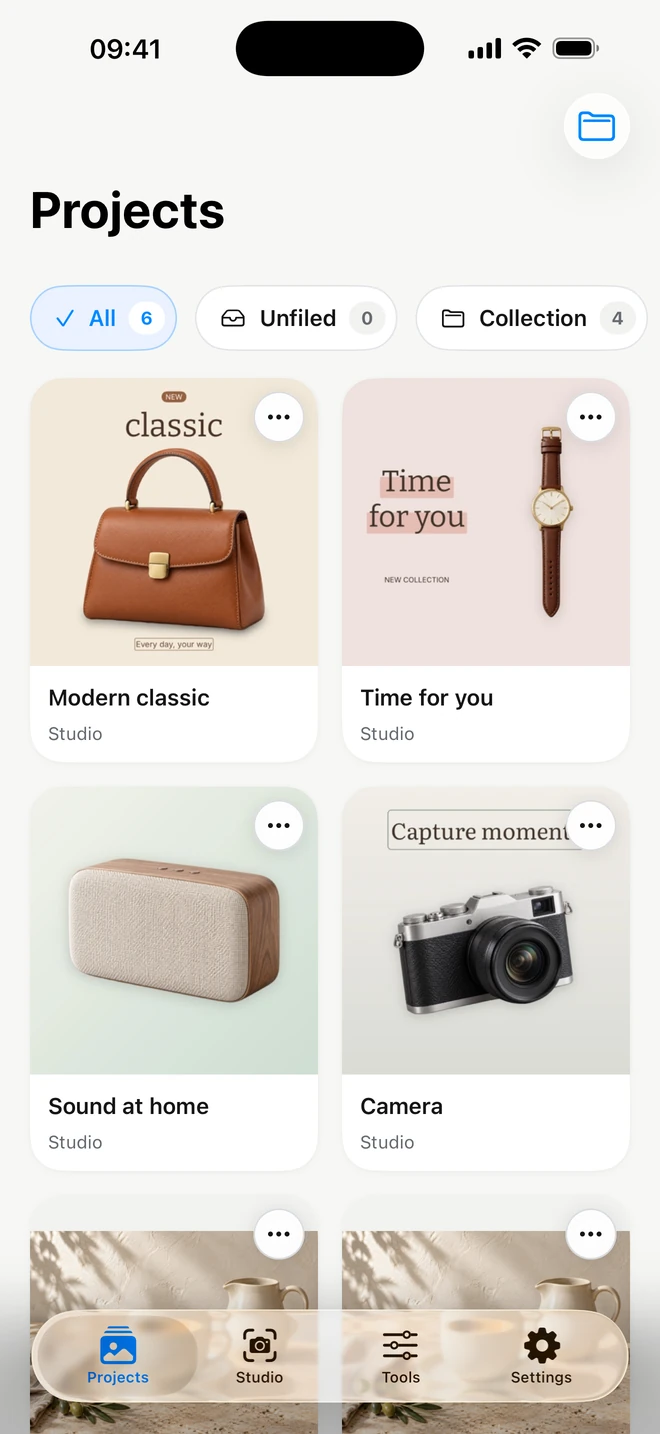
ItemShot product photo app on iPhone
ItemShot: Product Photos
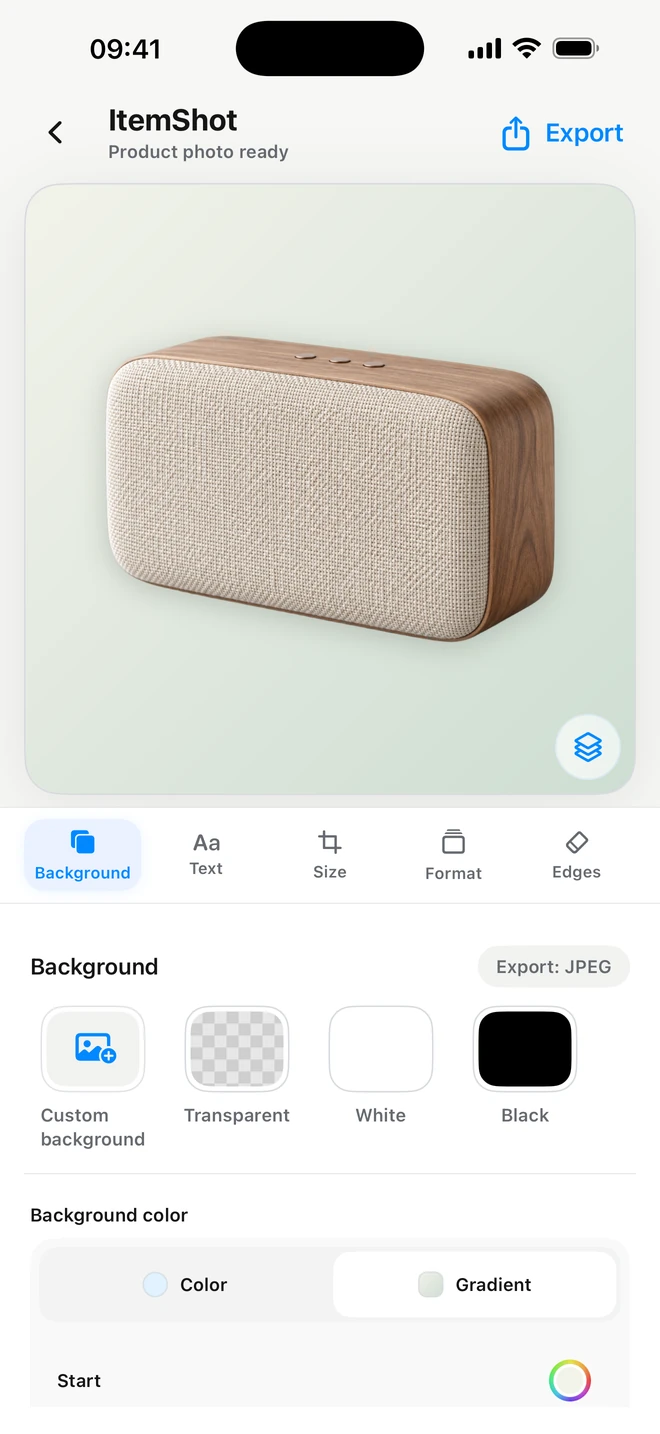
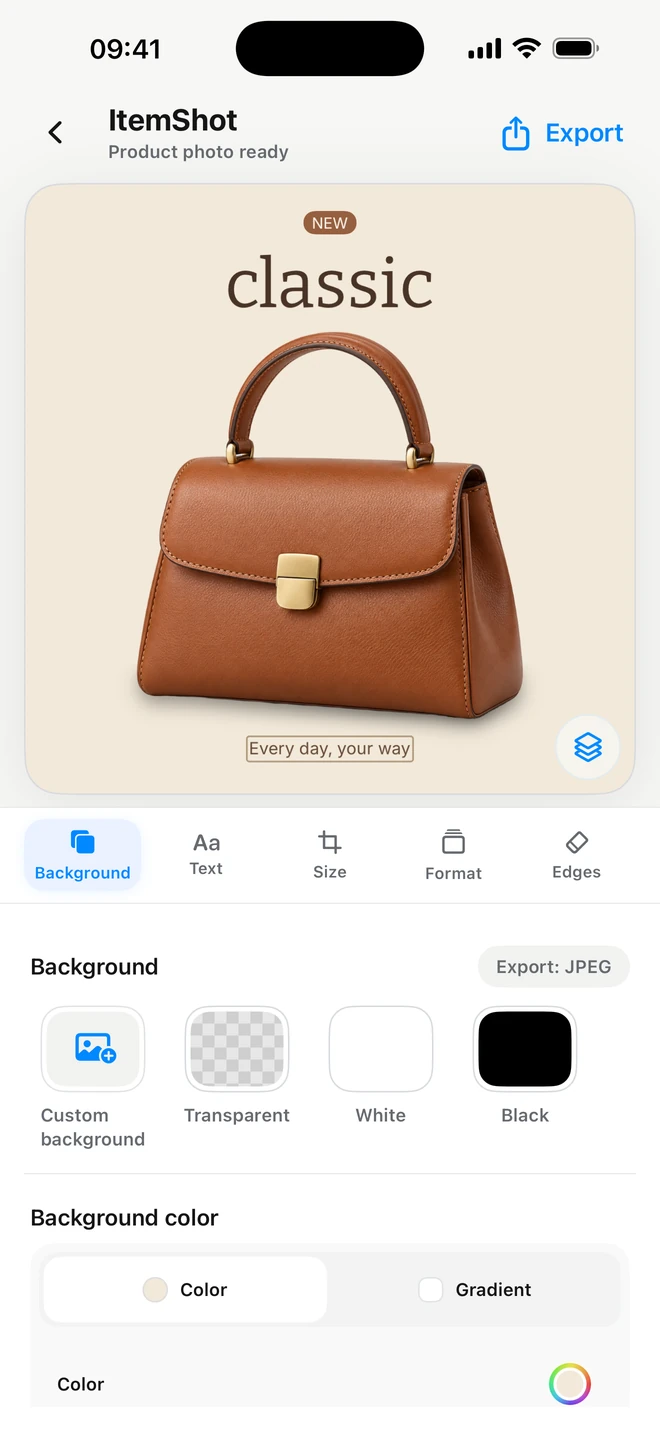
Background removal in ItemShot
Background
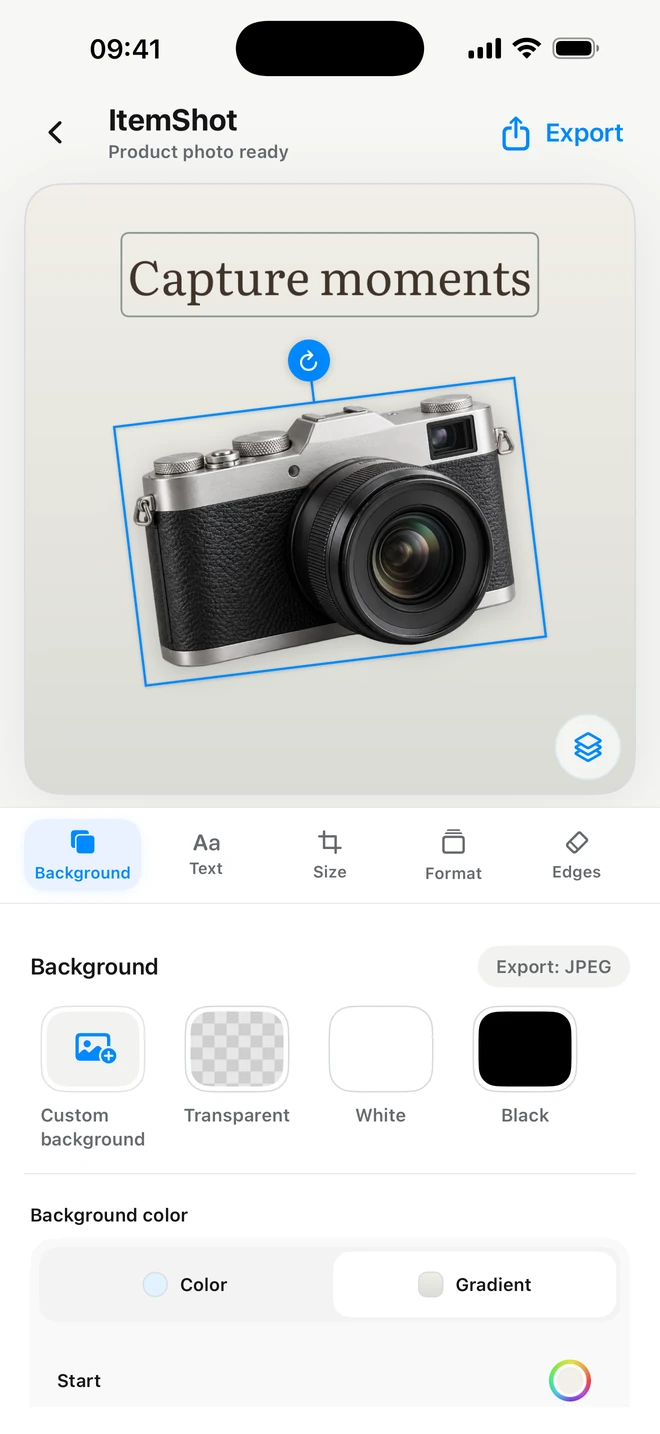
Listing formats in ItemShot
Formats
The seller job

From one iPhone photo to a reusable listing image.

ItemShot keeps background cleanup, composition, output sizing and repeated seller workflows in one focused app.

01

Casual resellers

Clean an item photo without opening a full design suite.

02

Small catalogs

Reuse one visual style across products and listing formats.

03

Transparent product assets

Export a cutout for layouts you finish elsewhere.

04

Repeat inventory

Process up to 50 photos with a selected style in Batch.

What ItemShot does

A product-photo workflow, not a generic AI studio.

ItemShot works with the real product photo you choose and keeps the steps focused on a clean, consistent seller result.

1
Remove the background, then finish the listing image

Cut out the product on your iPhone, refine the edges, choose a white, transparent, color, gradient or photo background, then move and scale the item inside the frame.

2
Keep a catalog consistent

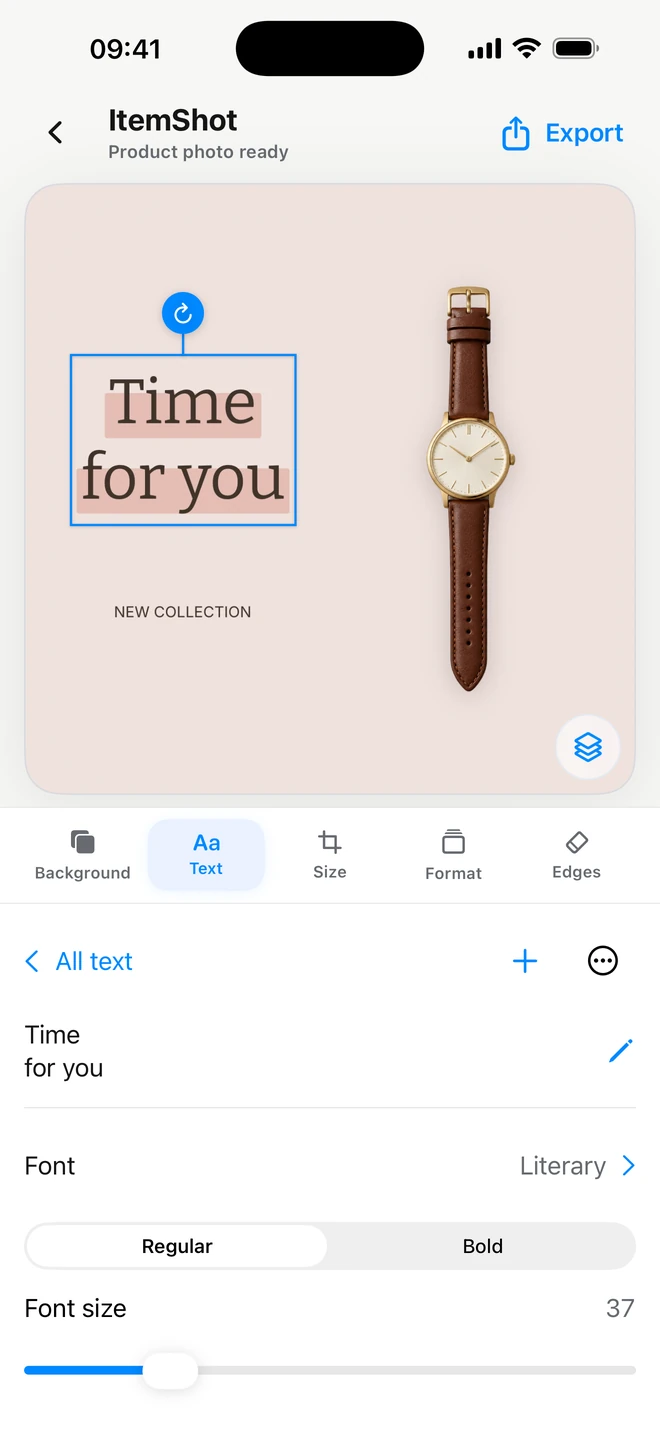
Save a seller style for the background, placement, size and export settings you reuse. When inventory grows, apply that workflow to a batch of up to 50 photos.

3
Export for the place you sell

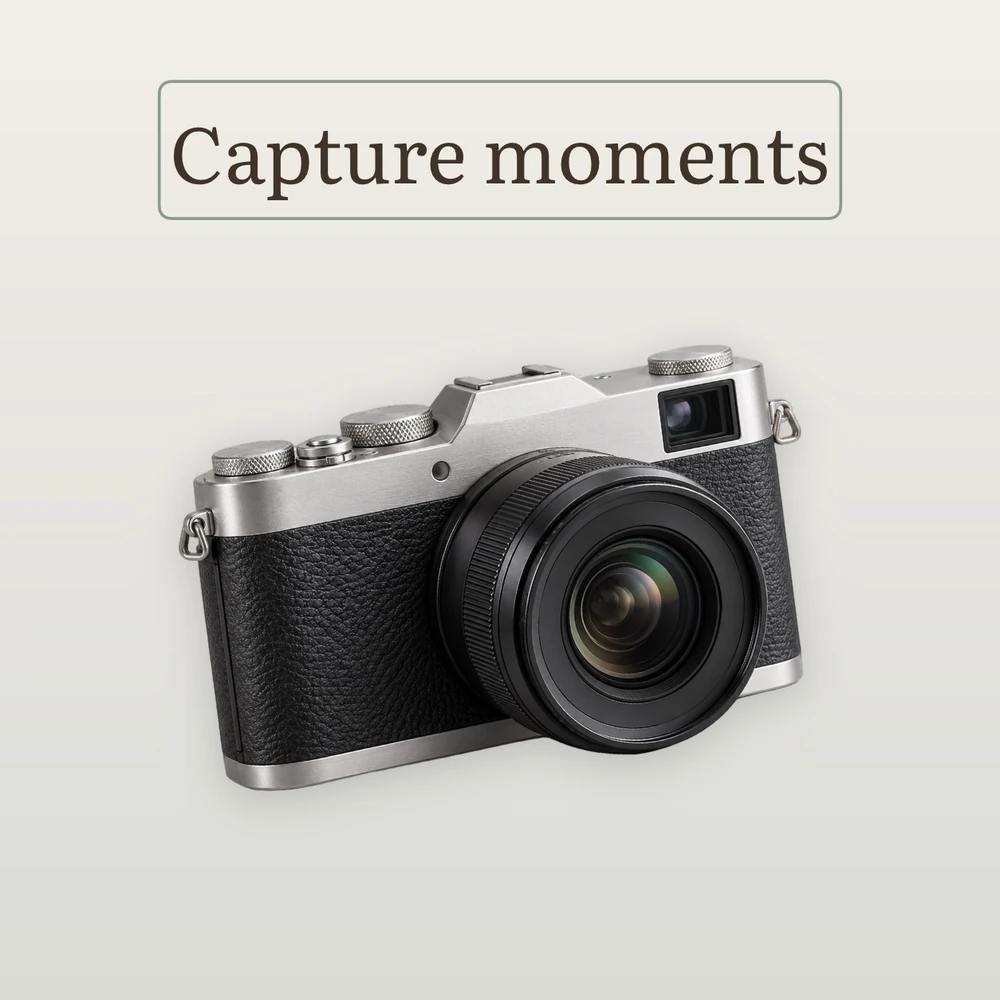
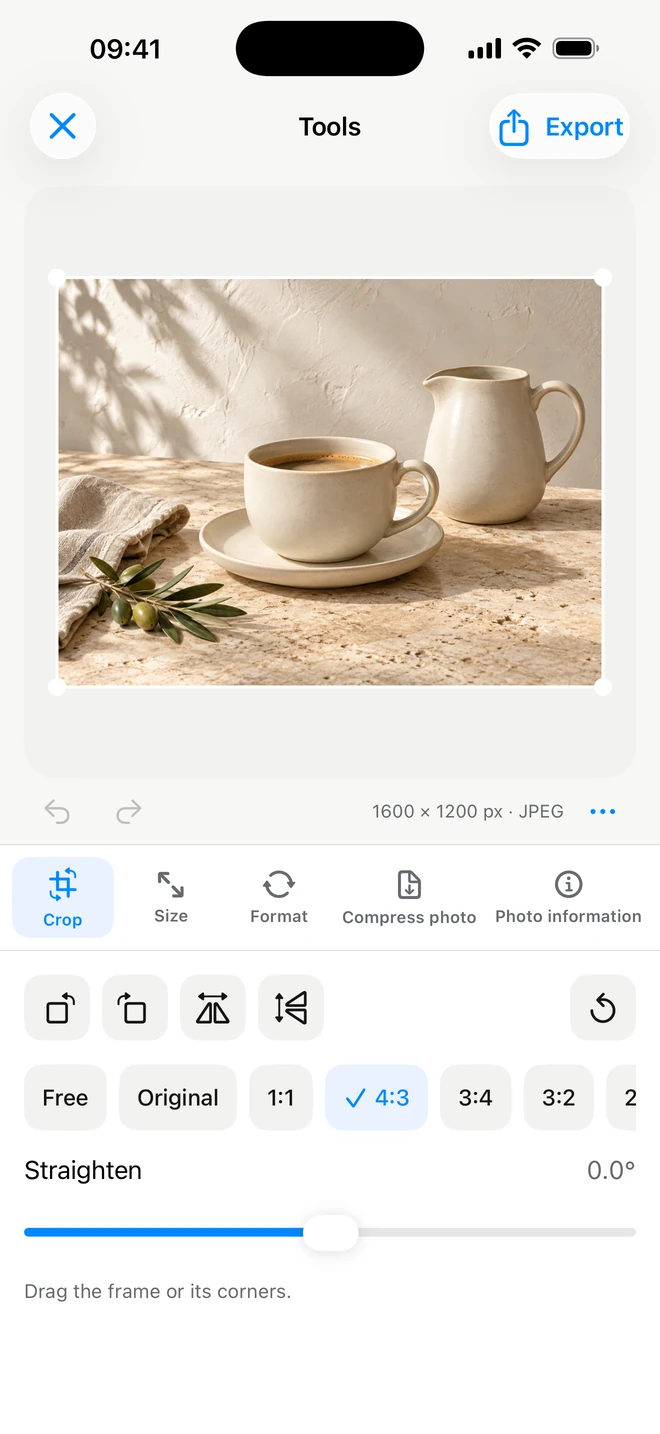
Choose a ready listing format or exact output size, control the crop and spacing, then export through iOS without an ItemShot watermark.

White sneaker product cutout
Clean cutout
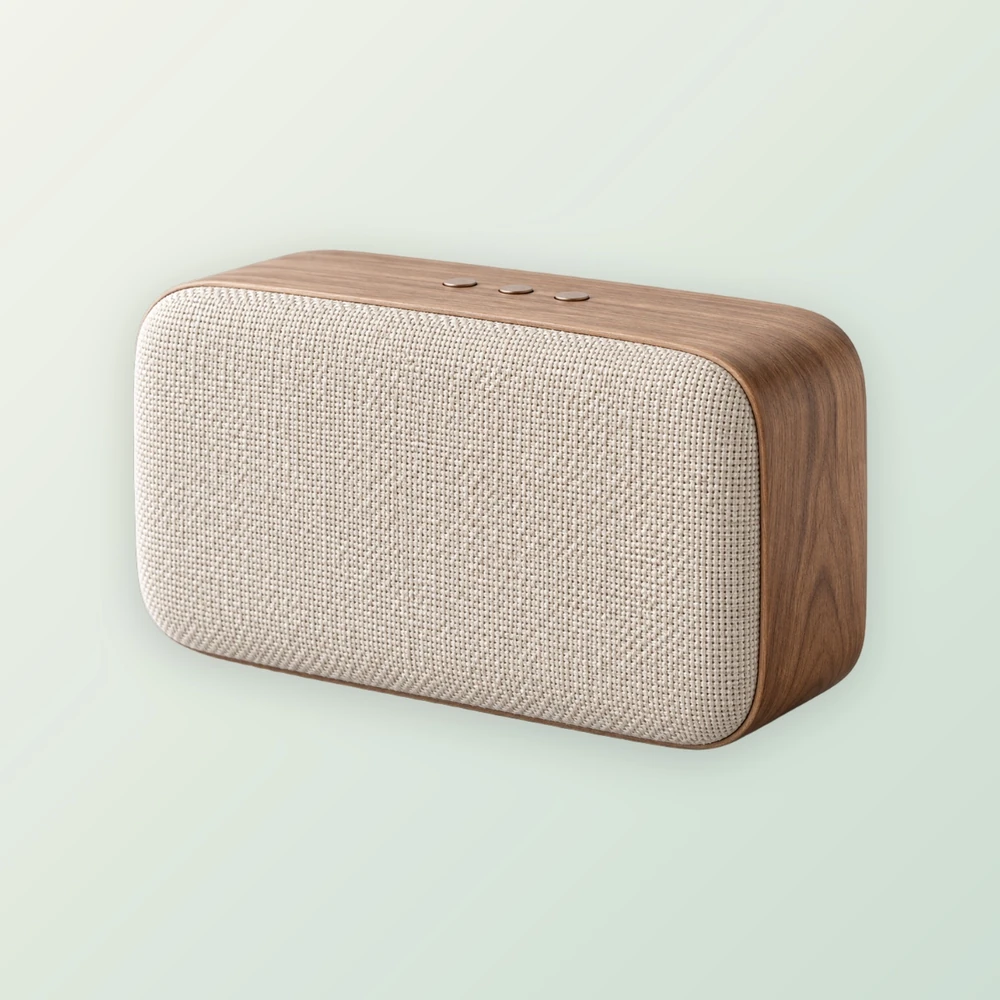
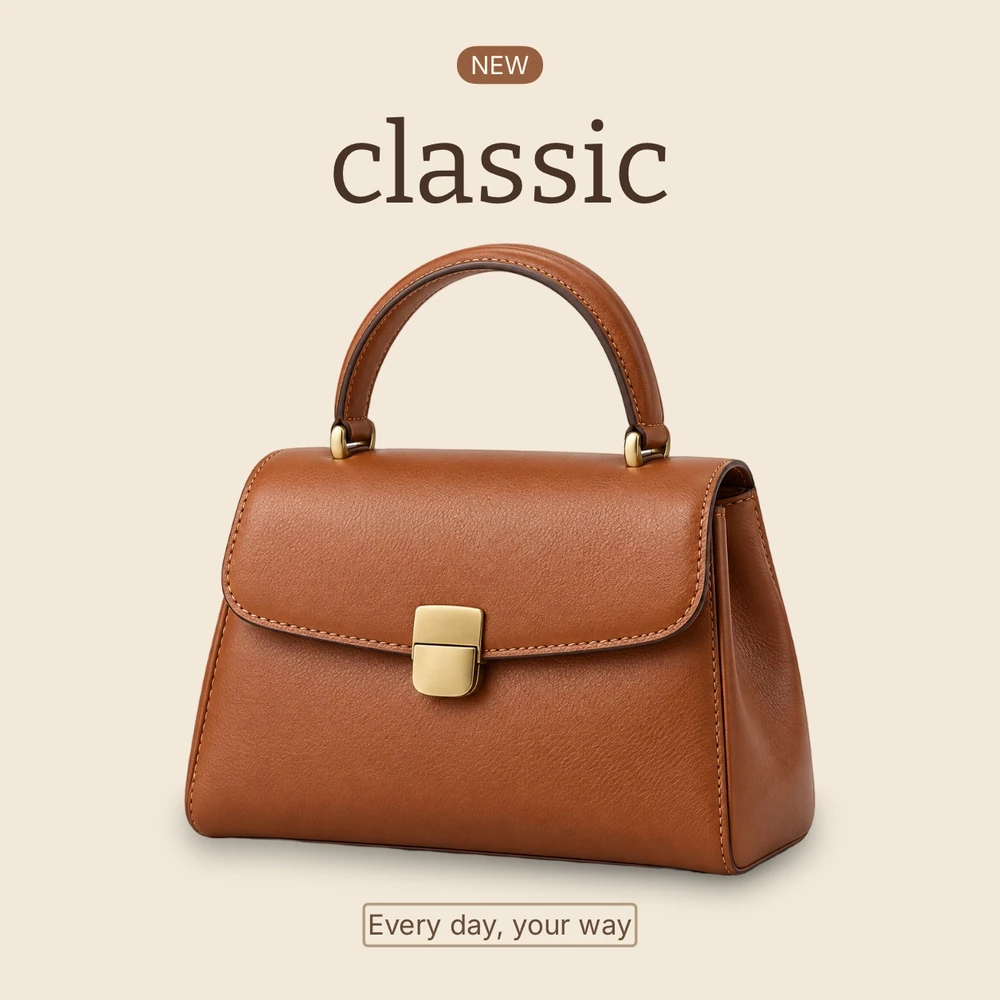
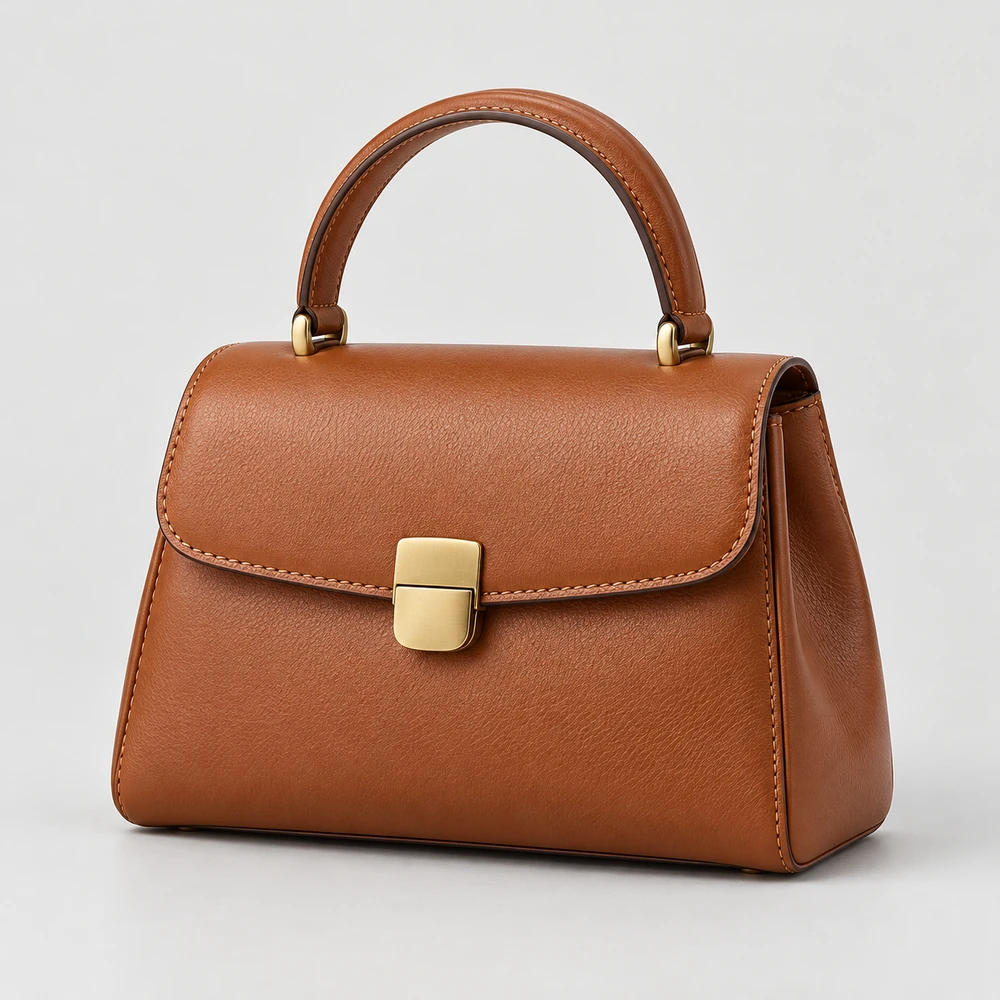
Leather bag product cutout
Consistent style
Bottle product cutout
Ready to export
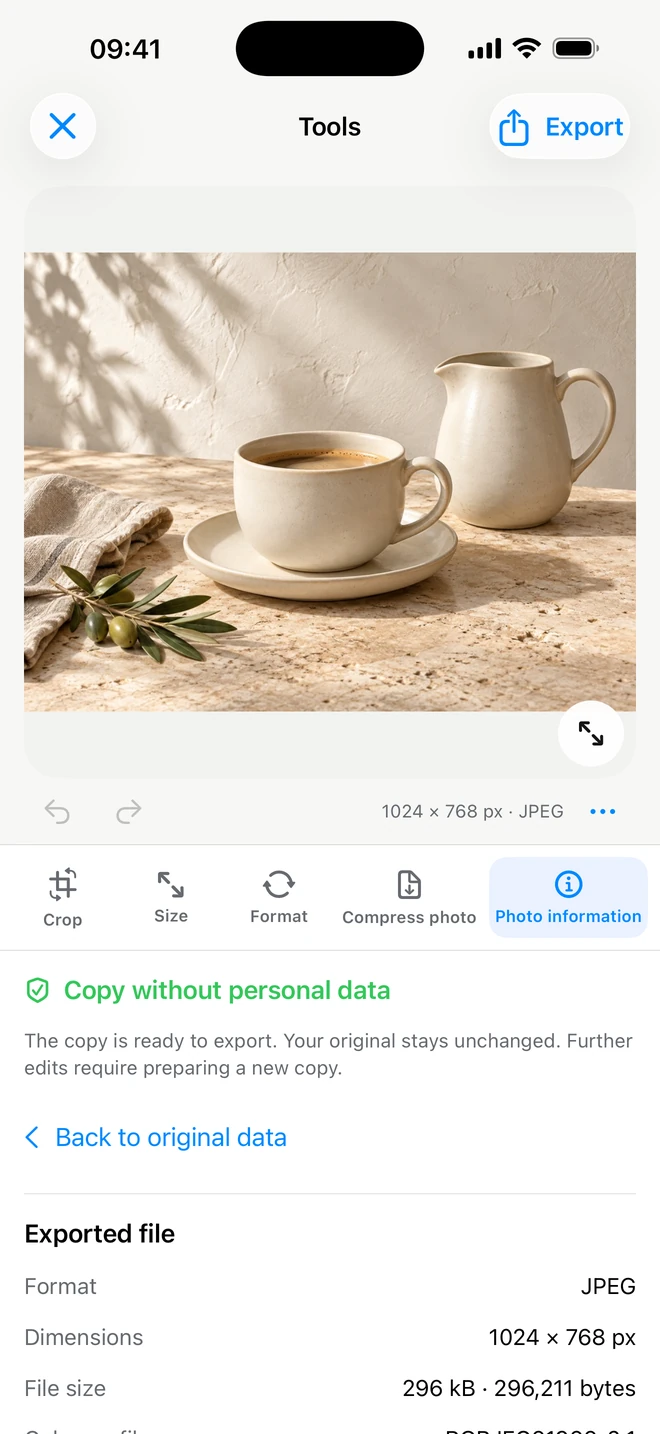
Photos are processed on device and are not uploaded to ItemShot servers.
Inside the app

See the actual iPhone workflow.

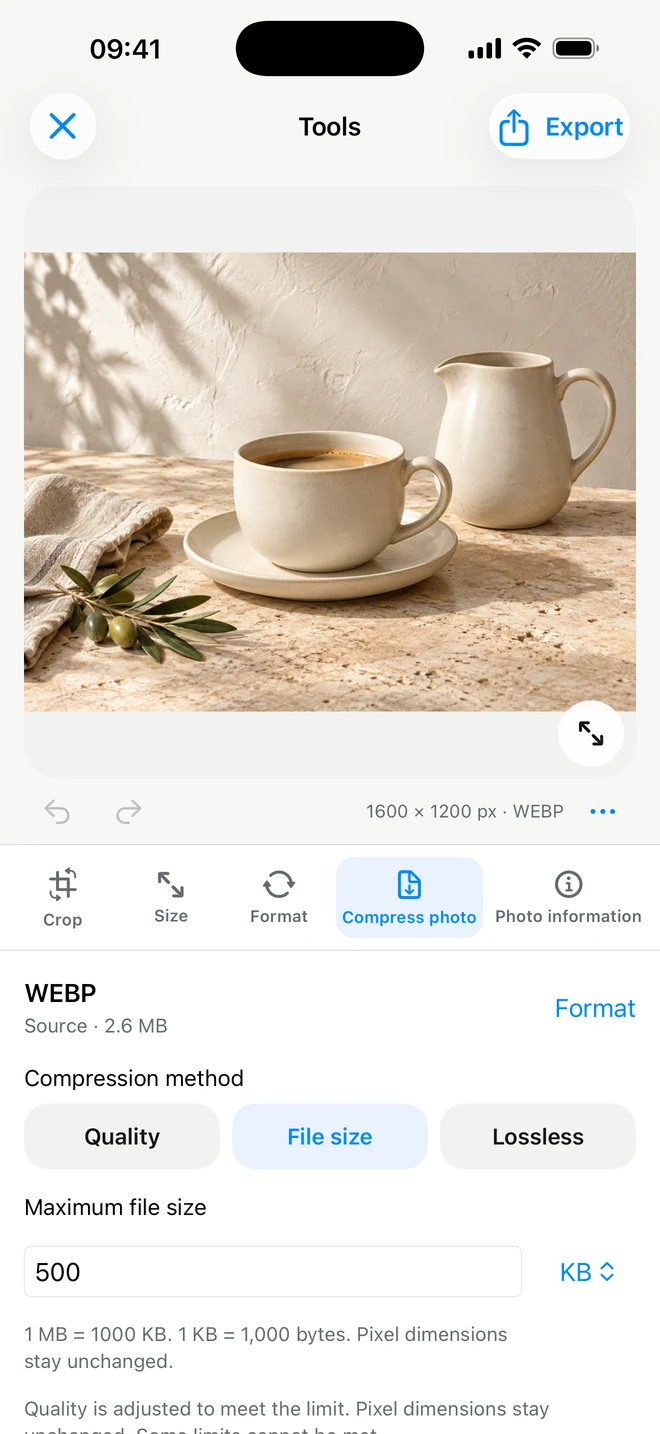
These screens come from ItemShot. The website does not pretend to be a browser editor.

Create in ItemShot
Create
Background in ItemShot
Background
Formats in ItemShot
Formats
Batch in ItemShot
Batch
On-device in ItemShot
On-device
Choose a job

Four focused paths through the same product-photo system.

Clean the background

Clean the background

Refine a real product cutout and choose white, transparent or a custom background.

Explore the workflow
Frame the listing image

Frame the listing image

Set a ready format or exact size, then control product placement and spacing.

Explore the workflow
Repeat the look

Repeat the look

Use a saved seller style across a batch of up to 50 product photos.

Explore the workflow
FAQ

Before you download ItemShot.

Is ItemShot a web photo editor?

No. This website explains the iPhone app. Photo editing happens in ItemShot on your device.

How is ItemShot different from the iPhone subject-lift shortcut?

Subject lift is useful for a quick copy and paste. ItemShot adds edge refinement, background choices, product placement, listing formats, saved styles and export.

Does ItemShot upload product photos?

Photos are processed on device and are not uploaded to ItemShot servers. Files leave the app only when you choose an iOS export or sharing destination.

Can ItemShot edit more than one product photo?

Yes. ItemShot Pro includes batch processing for up to 50 photos using a selected seller style and output format.

ItemShot: Product Photos

Make the next listing image on your iPhone.

Start with a real product photo. Remove the background, set the frame and export the result without an ItemShot watermark.

On-device photo processingAvailable on the App Store
Download on the App Store