
Choose a group of product photos, apply one seller style and output format, review progress, retry failures and export a consistent set without editing every item from scratch.

Choose the photos and the look

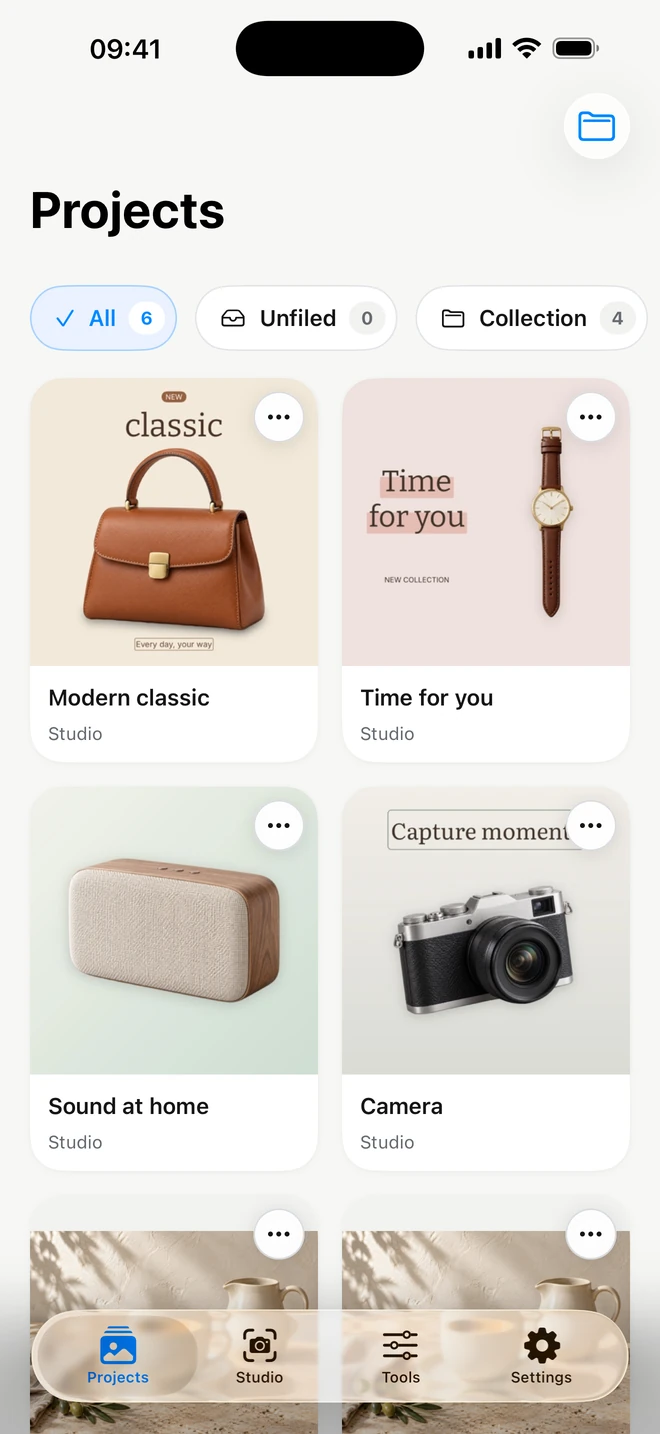
Select up to 50 photos, then choose the processing quality, seller style, background and output format the batch should reuse.

Process sequentially on iPhone

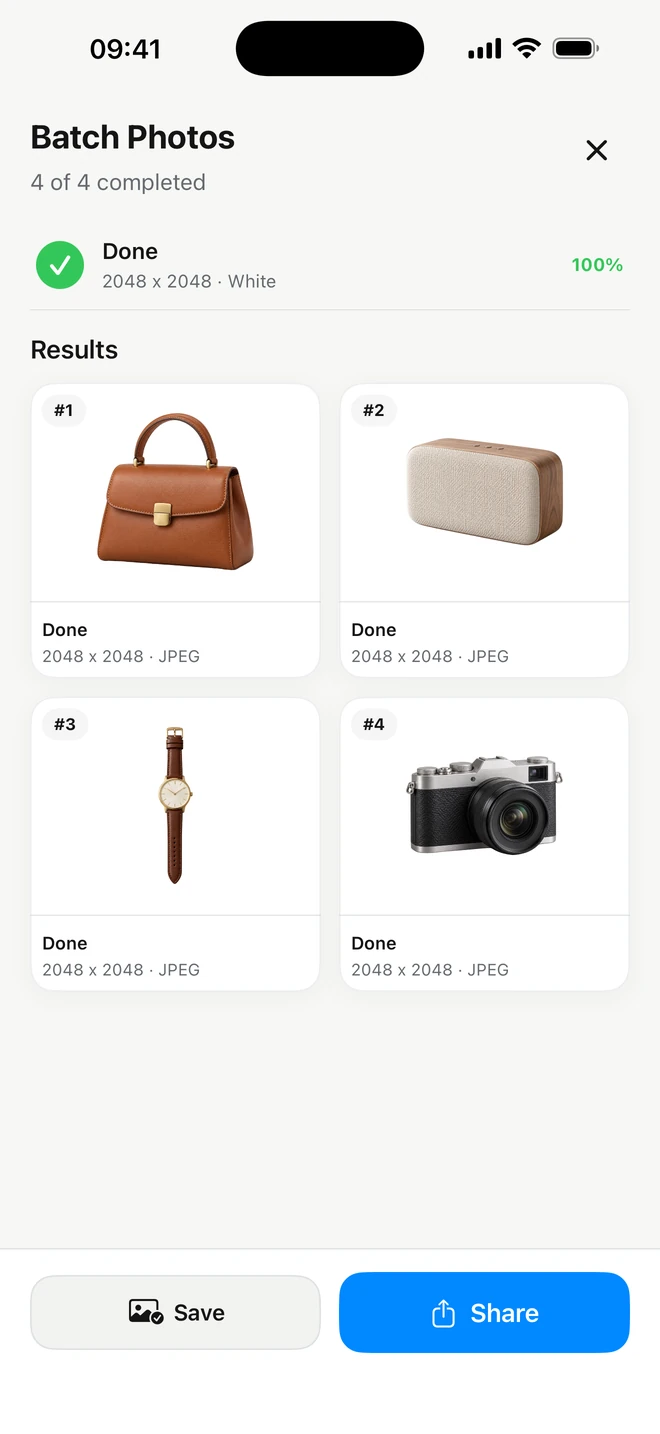
ItemShot processes the selected photos on device and reports the state of each item. You can cancel the run or retry an individual failure.

Keep backgrounds and placement consistent

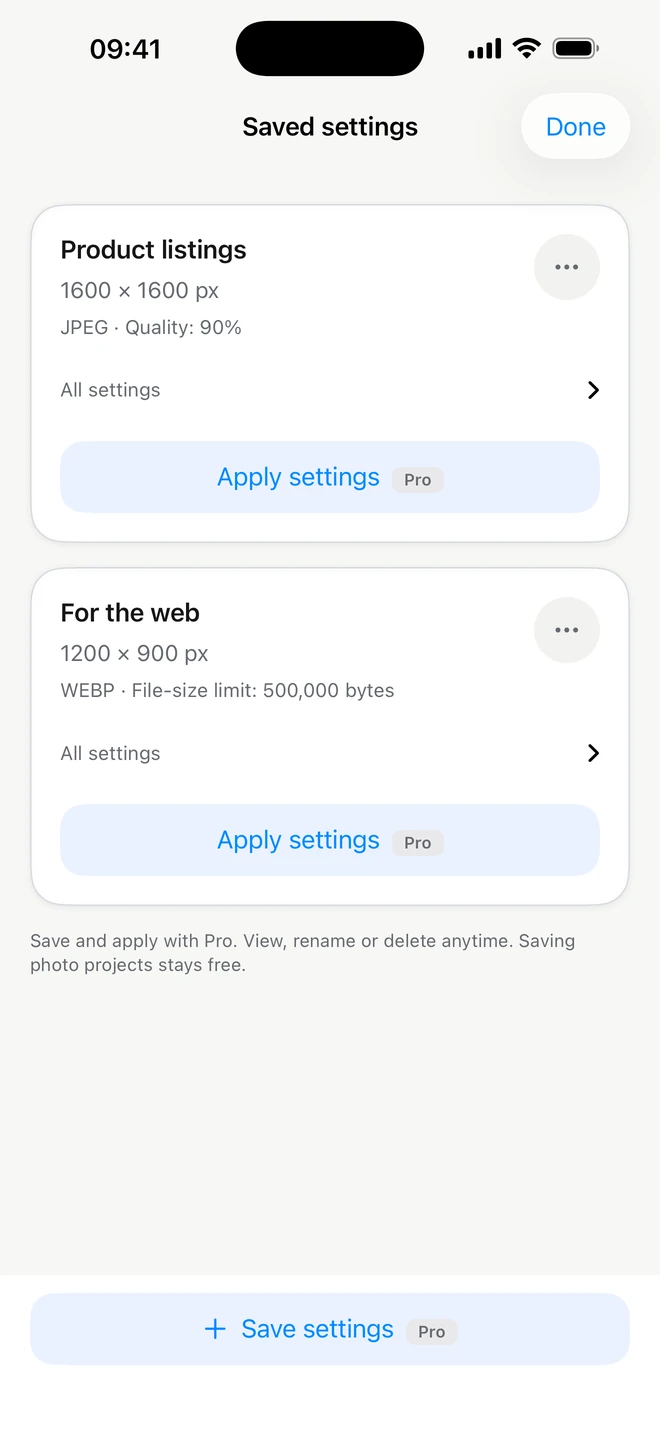
Saved seller styles carry the repeatable background, approximate product placement, size and export settings that make a catalog feel intentional.

Export the completed results

Review the finished images and export them through iOS. ItemShot does not add a watermark to the files.

  • Choose the photos and the look
  • Process sequentially on iPhone
  • Keep backgrounds and placement consistent
  • Export the completed results

Questions sellers ask

How many photos can ItemShot batch edit?

A batch can contain up to 50 selected photos.

Does batch editing use saved seller styles?

Yes. A saved style can provide the repeatable background, placement, size and export settings for the run.

Can I retry one failed photo?

Yes. The batch workflow tracks each item and supports retrying a failed result.

Is batch processing included in the free plan?

Batch processing is an ItemShot Pro feature. Current purchase details are shown in the app and App Store.